 MealLog
MealLog.
Keep a record of what you eat.
Log a meal with a photo or a few words. Look back through your food calendar and check calories and nutrients.
iOS · HarmonyOS · Android
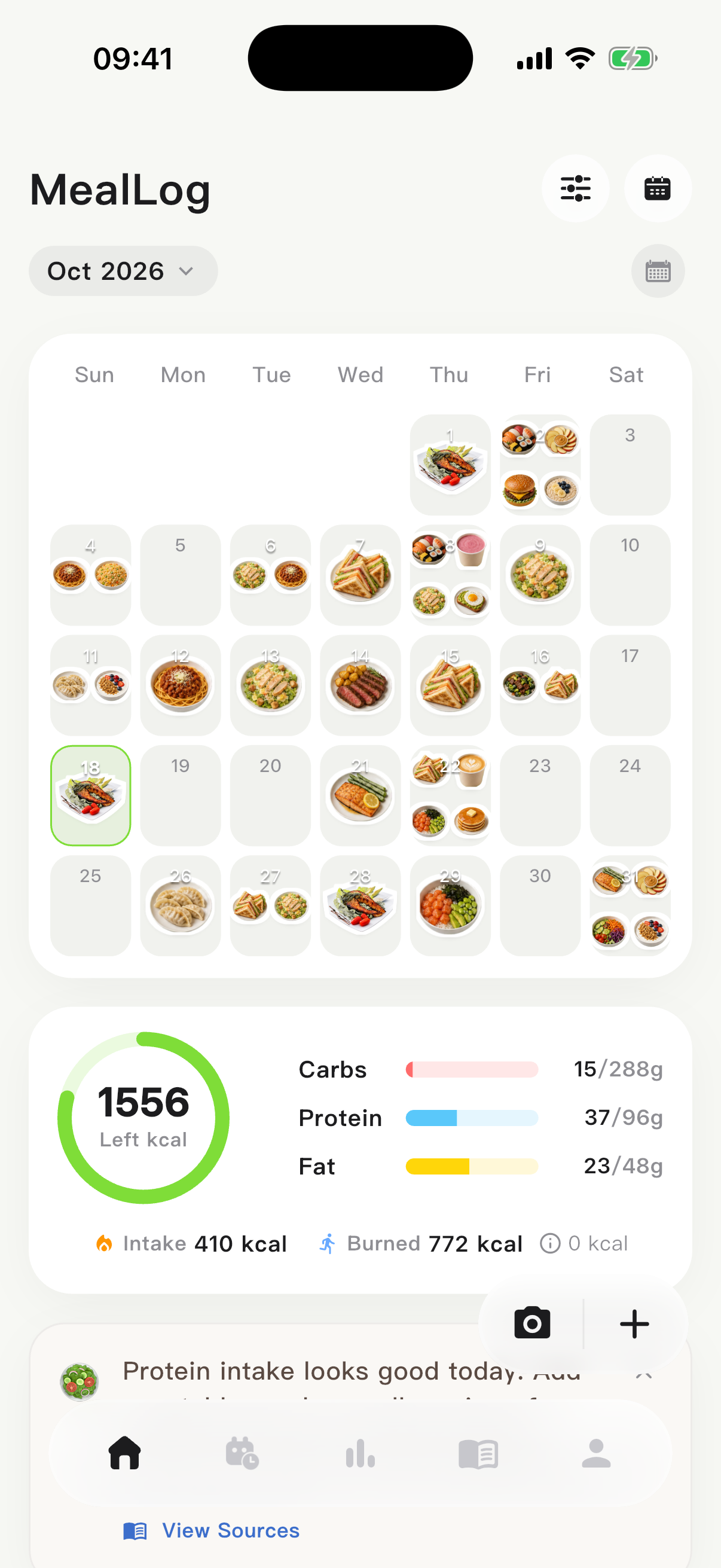
MealLog is a meal journal and nutrition tracking app. Keep daily meals in one place and look back at your eating habits over time.
New here? Read the FAQs →Meal logging
Photograph your meal, or write down the food.
Take a photo or choose one from your library to see identified foods and nutrient estimates. Without a photo, enter the foods and approximate portions in a quick text entry, or select items from the food library.
- Photo: check the identified foods and portions
- Text: try “a small bowl of rice and one egg”
- Food library: choose a unit and the amount eaten before adding
Nutrition and trends
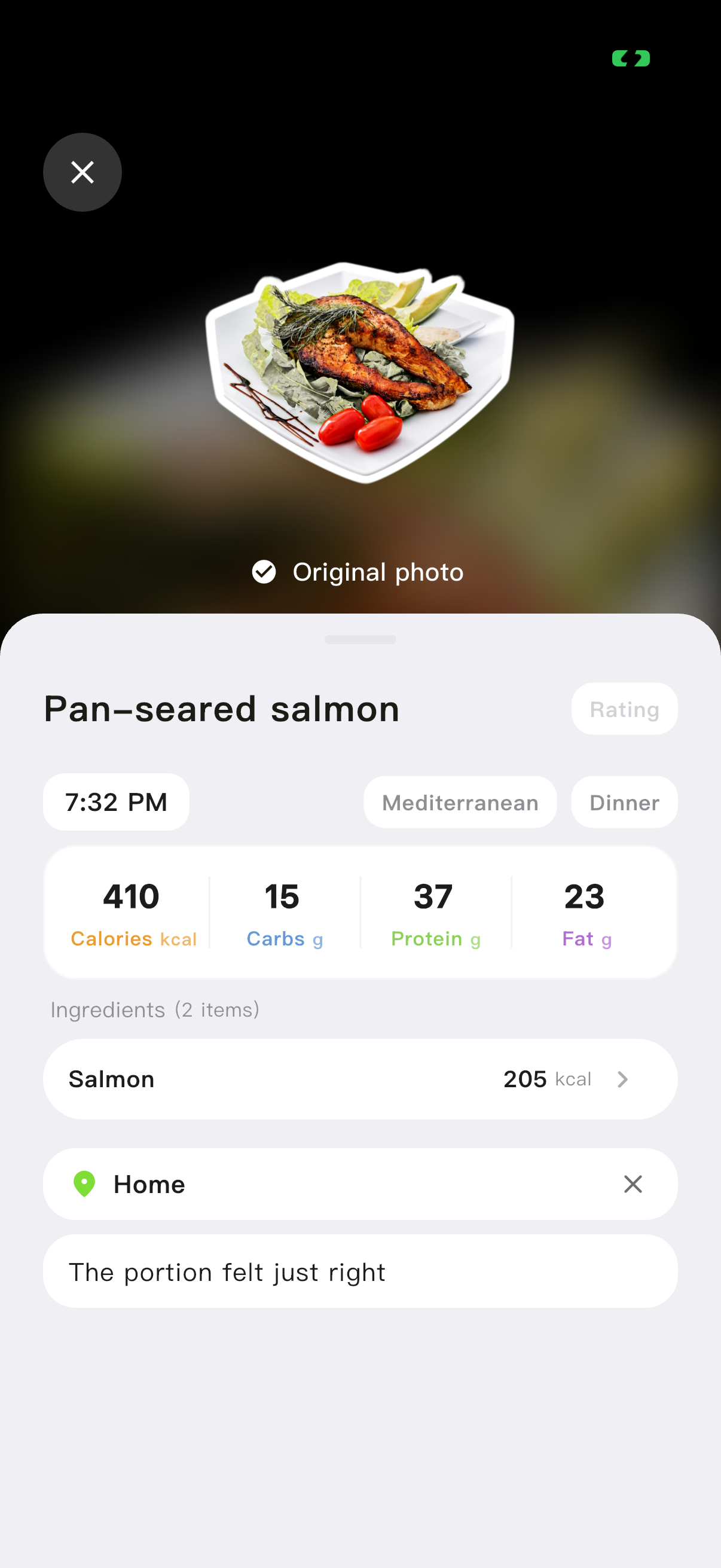
See one meal’s details and the day’s total.
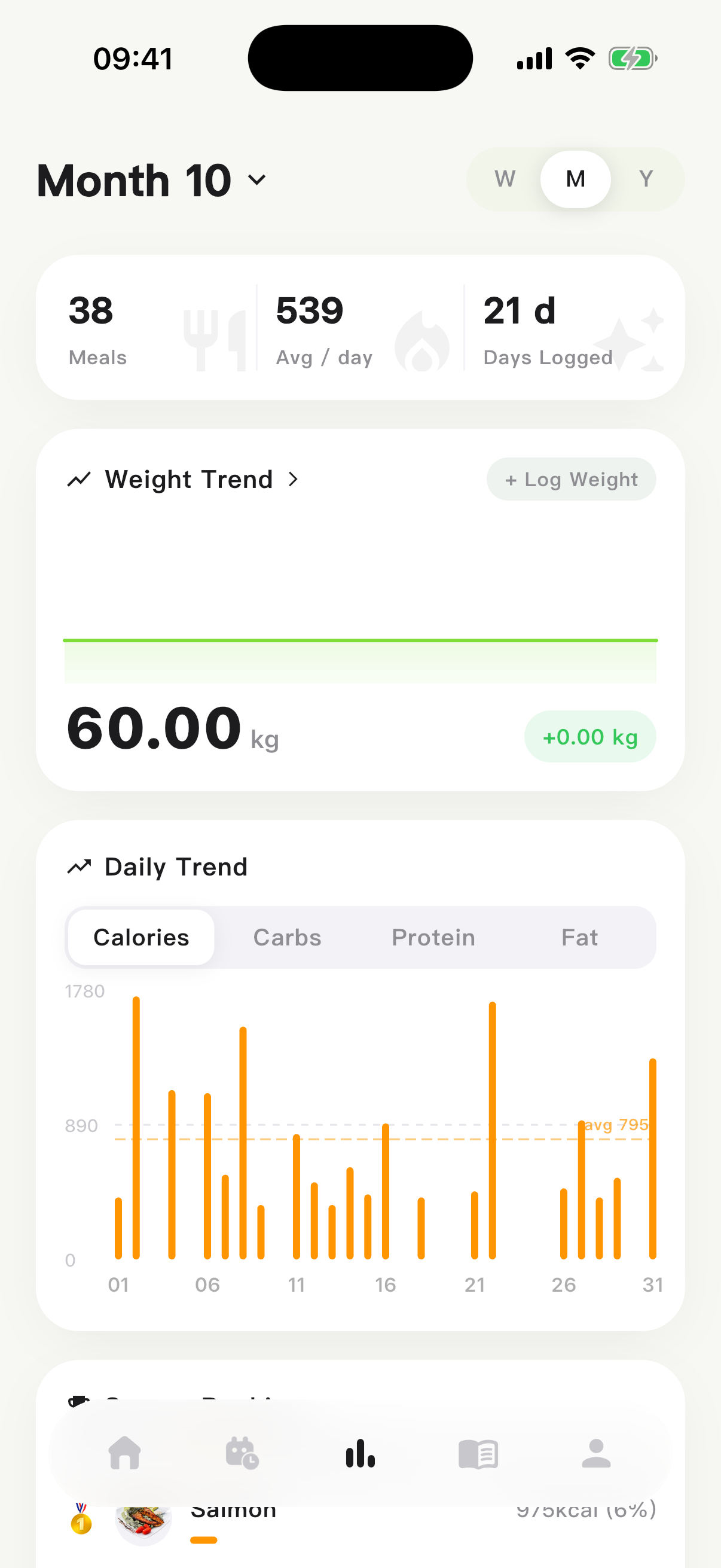
Meal details list foods and nutrients. Daily nutrition adds up logged calories, carbohydrates, protein and fat. Statistics show weekly, monthly and yearly trends; use the food calendar to find a particular meal by date.
Totals come from saved records, so missed meals affect the picture. AI values are estimates: photos may not reveal sauces, cooking oil or the portion you actually ate.
How to check an estimate →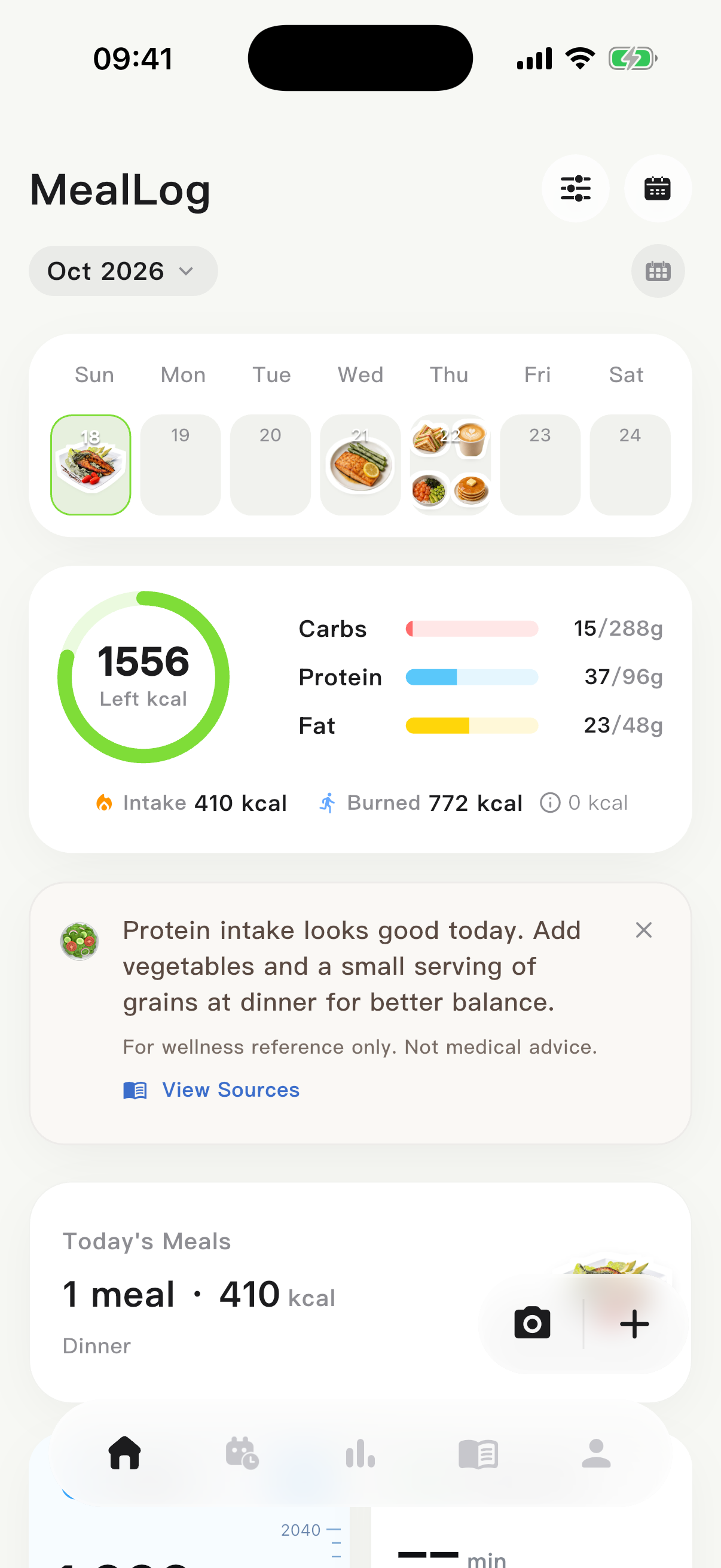
Food history
Revisit a food, or look up something new.
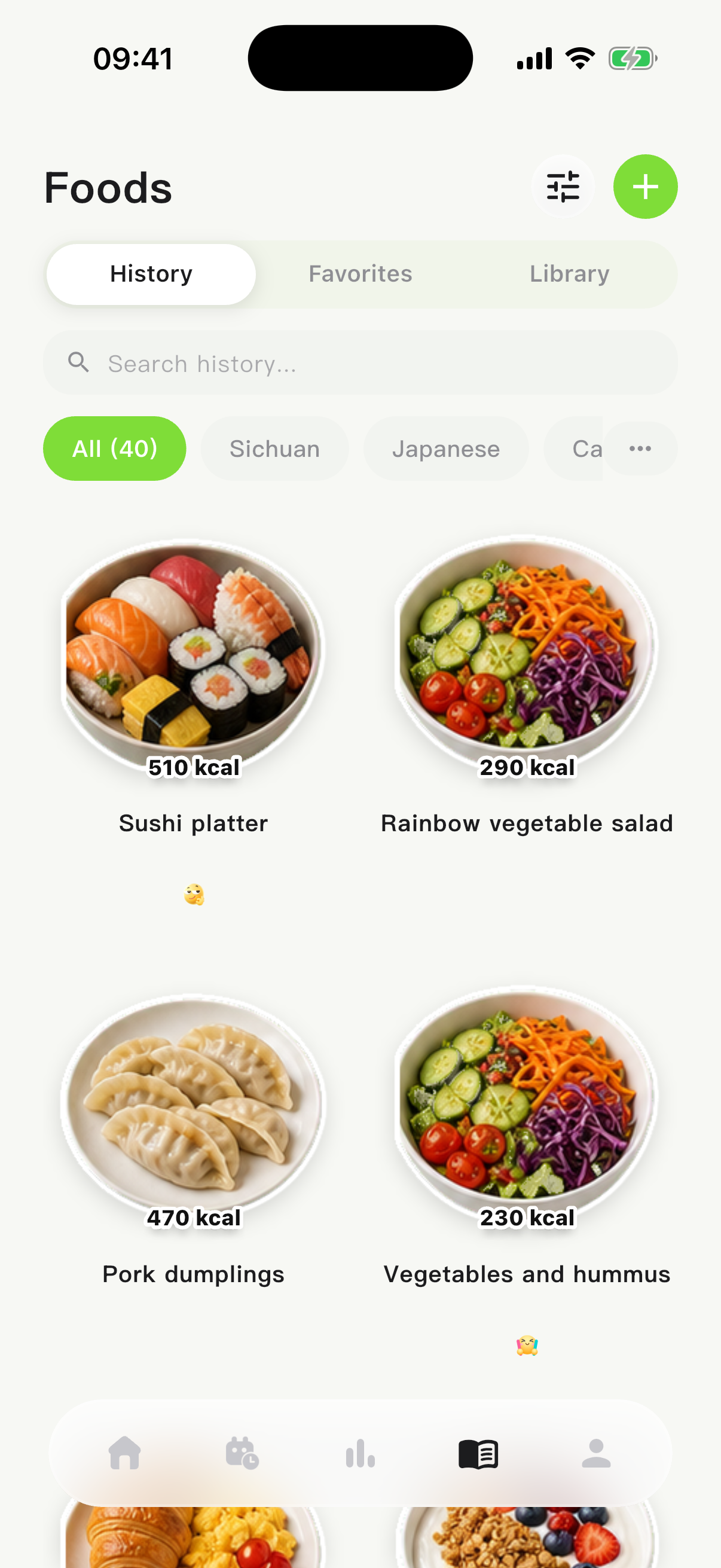
Search your food history by name and review food and nutrition details. Switch to the food library to search for an item, open its portion screen and view nutrients for the amount eaten.
A value per 100 g is not your meal total. Browsing and adding are separate actions: in the current iOS version, adding an official food library item to a meal requires Premium.
Frequently asked questions
What can I use MealLog for?
Record meals, revisit what you ate, and refer to calorie and nutrient estimates. Photo logging, quick text entries and a food calendar support different everyday situations.
Are calorie estimates from photos always accurate?
They are not precise measurements. Portions, hidden ingredients, sauces and cooking oil can affect estimates. They do not replace professional medical advice.
Which platforms are supported?
Download links are available for iOS, HarmonyOS and Android. Features, membership benefits and prices depend on the current app for each platform.
Which features require membership?
In the current iOS version, photo AI recognition has a daily free allowance and text AI estimation has a limited trial. Adding official food library items to a meal requires Premium. You can enter values manually without text AI. Check the in-app Premium screen for current allowances, prices and other benefits. Other platforms may differ.
Can I log a meal without a photo?
Yes. Describe the food and approximate portion in a quick text entry, then enter nutrient values manually or check an AI estimate. Text AI trial credits are separate from manual entry.
Can I add yesterday’s meal?
Yes. Set the actual meal date and time in quick text entry, check the meal category and save. Find it on that date in the calendar.
Download
Choose your phone’s platform.